
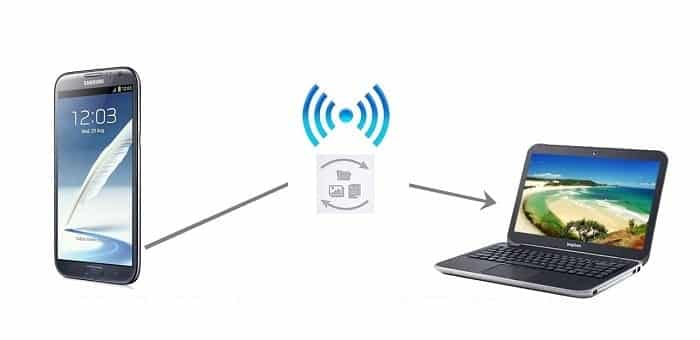
Just imagine if we could transfer files from our PC to our Android smartphone and tablet tablet simply by dragging and dropping the item without the use of data cables or any external sources. But now this feature can be utilized by each and every user as the technology used is wireless technology. This feature is more reliable and easy.
There are many apps in the Google Play Store which allows us to transfer files wirelessly, among these
Nowadays many applications are available on android store for Smartphone users which can help you transfer files wirelessly. But among these apps some apps only lets us basic features which includes only file transfer. But among them there is yet another one also which has got much more than others, which is named as AirDroid.
Installation and Use of AirDroid App
Transfer of file from pc to phone
- Step 1: At first go to Google play store and search for AirDroid app.
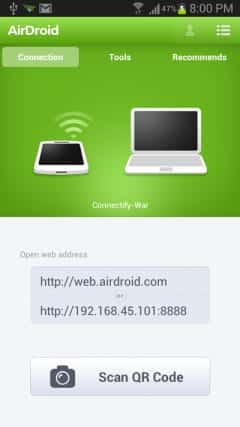
- Step 2: Install AirDroidapp and open the app on your phone.
- Step 3: Now connect the Smartphone with PC’s wifi . (If you are using a WiFi dongle then use Connectivity to create a Wifi hotspot) .
- Step 4: when you open the App, the App will immediately detect the Wifi connectivity which is available in the surrounding, connect it and start the AirDroid server. The app will then provide an ip address.
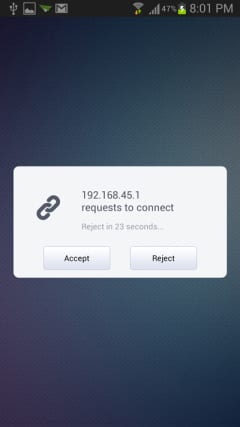
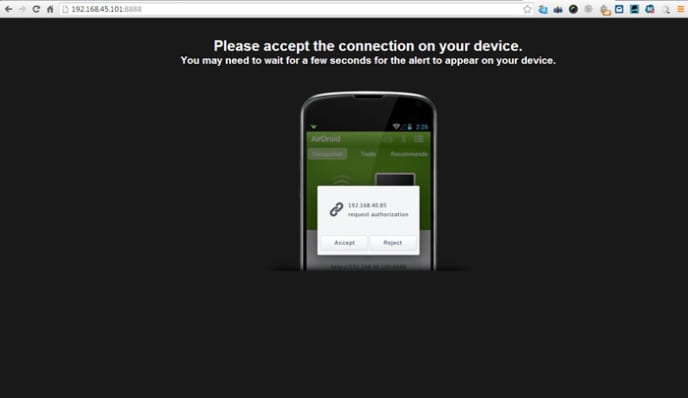
- Step 5: type the ip into your PC’s web browser to connect to the AirDroid server and press enter.
- Step 6: Simultaneously a connection prompt message will appear on screen. Accept it and establish the connection.
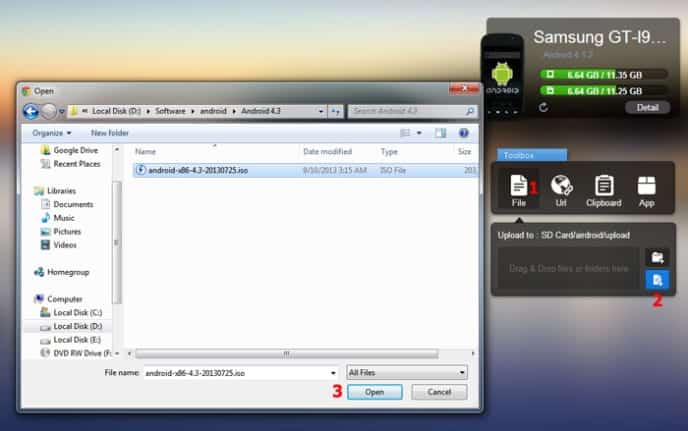
- Step 7: In AirDroid web interface, there is a toolbox, click the file icon and next you can select from the folder / files icon to transfer a file or folder to your Smartphone phone.
- Step 8: after selecting the file, the app will start transferring the file to your android phone. Similarly you can also transfer entire folders to your Smartphone phone.
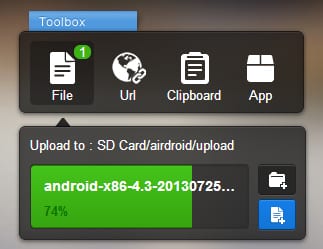
- Step 9: All done, files are now stored to your SD card or internal memory of your phone.
Transfer of file from your smartphone to pc
Now reverse is the case here to transfer file from Smartphone to PC. Use the AirDroid web interface on your PC. Click on files icon from AirDroid’s web interface and select a file from the file browser that opens up, right click on any file and select download to download the file to your PC.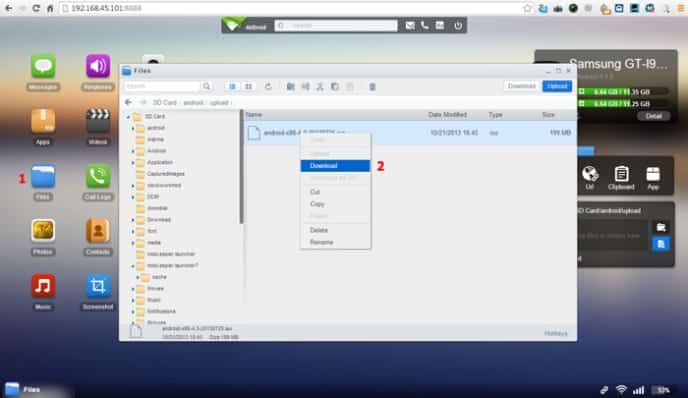
The file will be downloaded as regular downloads in your web browser and can be accessed from the download menu.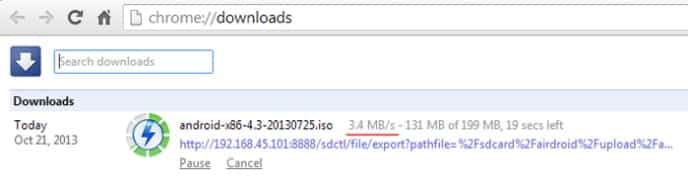
More about AirDroid App
The app will let you a transfer speed of about 3.5 Mbps, which is apparently more than enough. Apart from the file transferring feature, the app has many more useful features like sending SMS messages from PC, playing music / videos from your phone, viewing photos from phone, taking screenshots from PC etc. This entire feature can be utilized by the user using the app. This app will enable you to transfer file more conveniently through WiFi network.
Disadvantages of AirDroid and other WiFi transfer Apps
Basically transferring files through AirDroid or any such App involves two way data exchange. Therefore whatever you upload and download will count towards your monthly bandwidth limit allocated by your ISP. So remember, AirDroid is a data hogger and if you are transferring some big ticket 1080P movies you should note that your data plans are being eaten away all the while you do the